

For users seeking a powerful and private alternative to built-in file managers, FX File Explorer stands out as a comprehensive solution. This Android app delivers robust file management capabilities with a strong emphasis on user control and data security, avoiding the cloud dependencies of many competitors. It is ideally suited for power users, professionals, and anyone who values organization and direct access to their device’s storage without unnecessary frills.
Robust Dual-Pane File Management
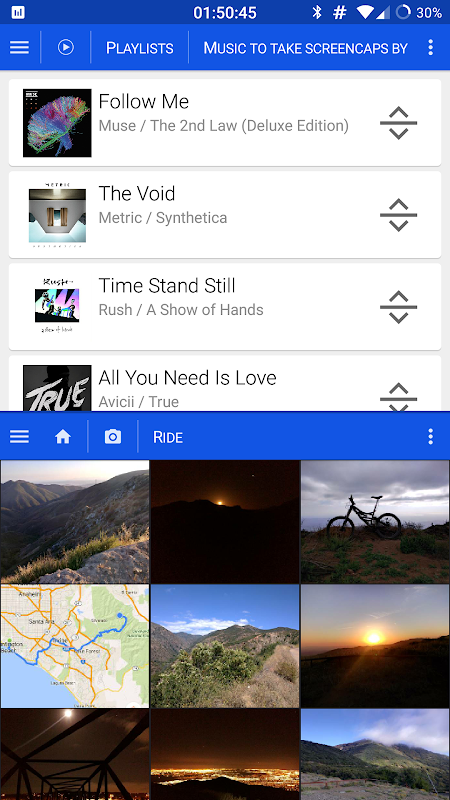
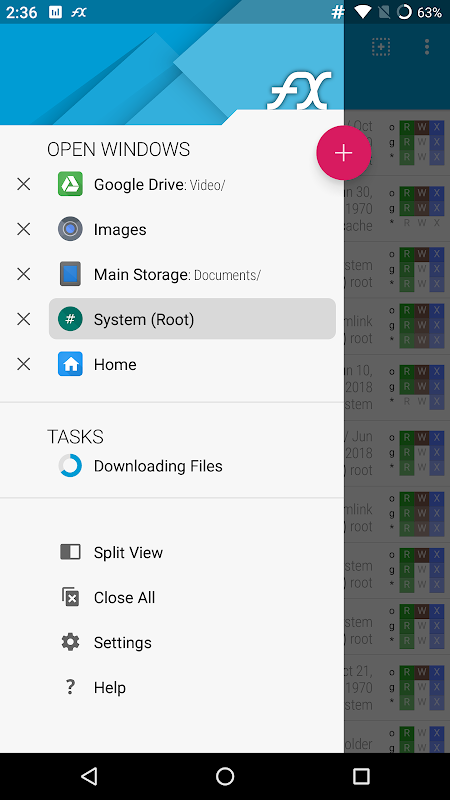
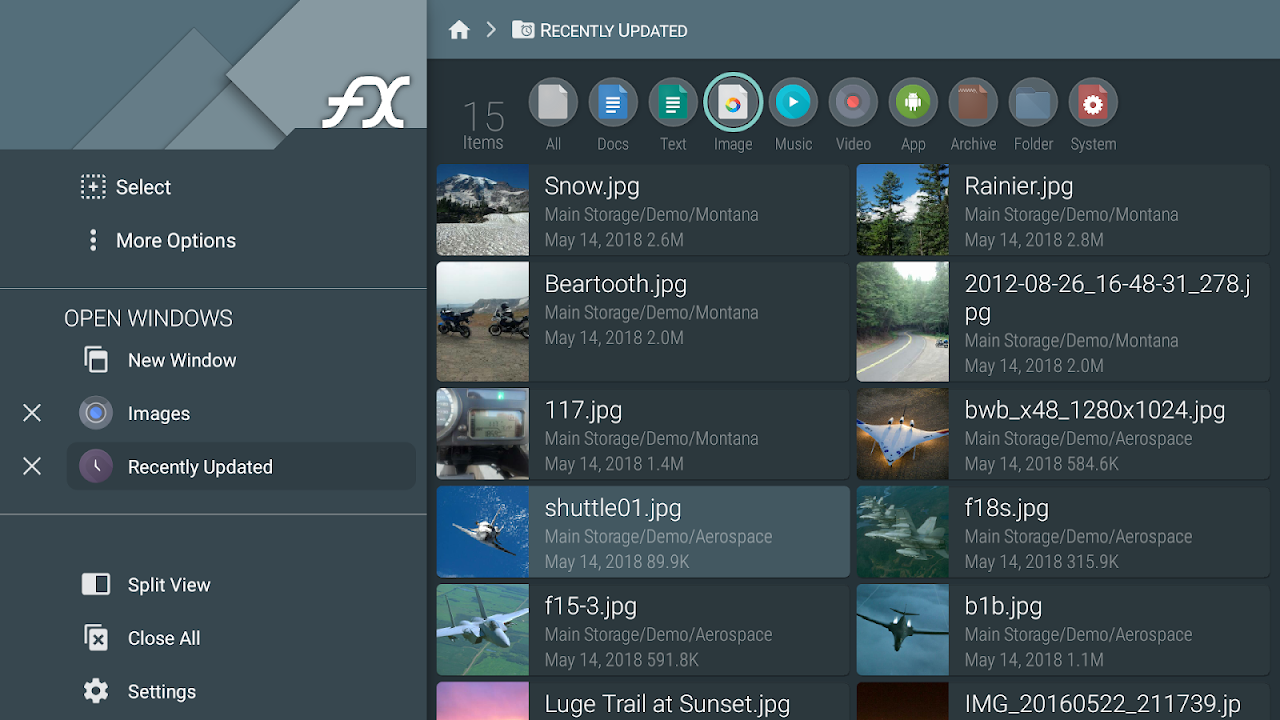
FX File Explorer excels with its efficient dual-pane interface, allowing users to view and manage two separate directories side-by-side. This layout dramatically simplifies tasks like copying or moving files between folders, comparing contents, and organizing data across different storage locations. The panels can be independently navigated, making complex file operations intuitive and significantly faster than switching between single views.
Complete Control Over Local and Network Storage
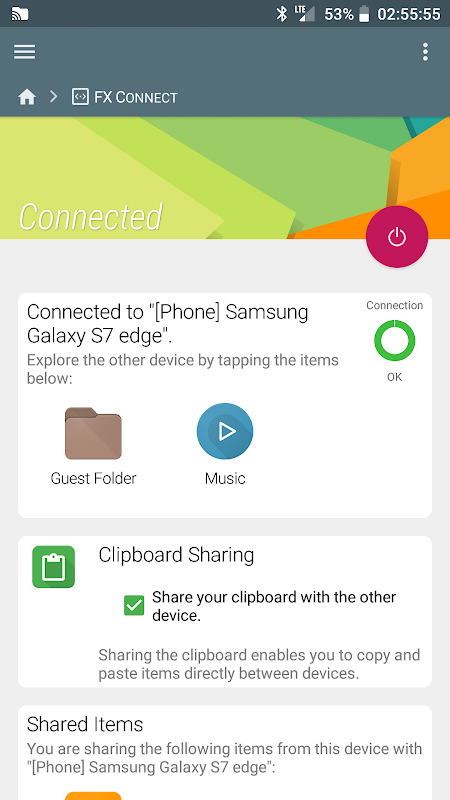
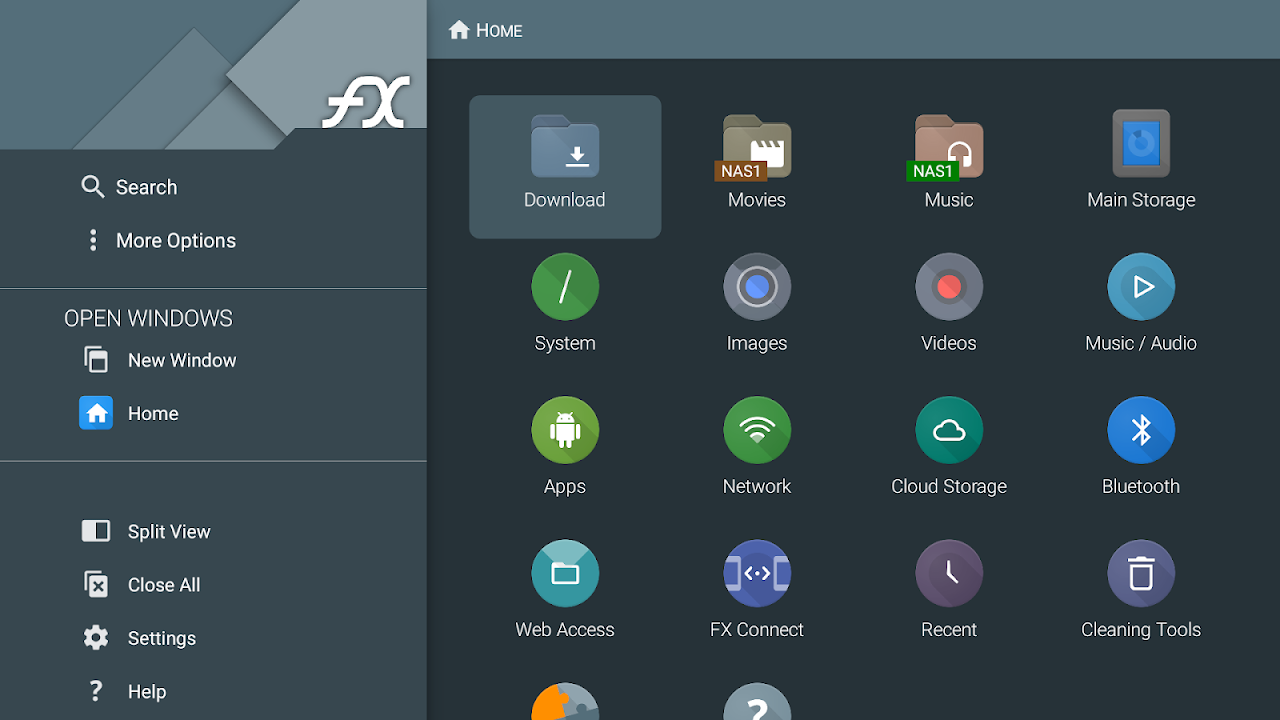
The application provides deep access to all local storage, including internal memory, SD cards, and OTG-connected USB drives. Beyond local files, FX seamlessly integrates network and cloud storage support, enabling direct connections to Windows (SMB), FTP, SFTP, and WebDAV servers. This turns the app into a centralized hub for managing files across your entire digital ecosystem from a single, unified interface.
Advanced Tools for Power Users
Geared towards efficiency, FX includes a built-in text editor, image viewer, and detailed metadata inspector for media files. Its advanced root explorer functionality grants authorized users full access to the Android system partition for deep customization and troubleshooting. The app also features a comprehensive archive tool that can create and extract common formats like ZIP and 7ZIP without needing a separate utility.
Prioritizing Security and Privacy
A core philosophy of FX File Explorer is keeping user data private. The app operates as a local tool first, with no requirement for cloud syncing of your file structures or usage analytics. It includes a secure file deletion tool that overwrites data before removal and offers optional password protection for the app itself, ensuring your sensitive documents and directories remain confidential.
Highly Customizable User Experience
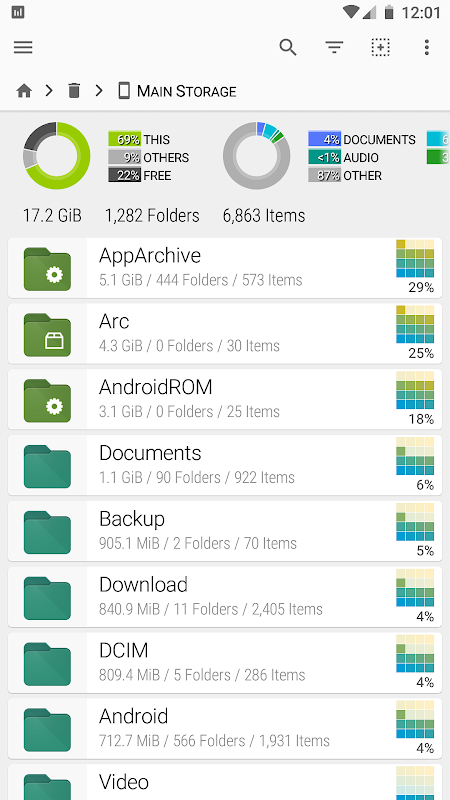
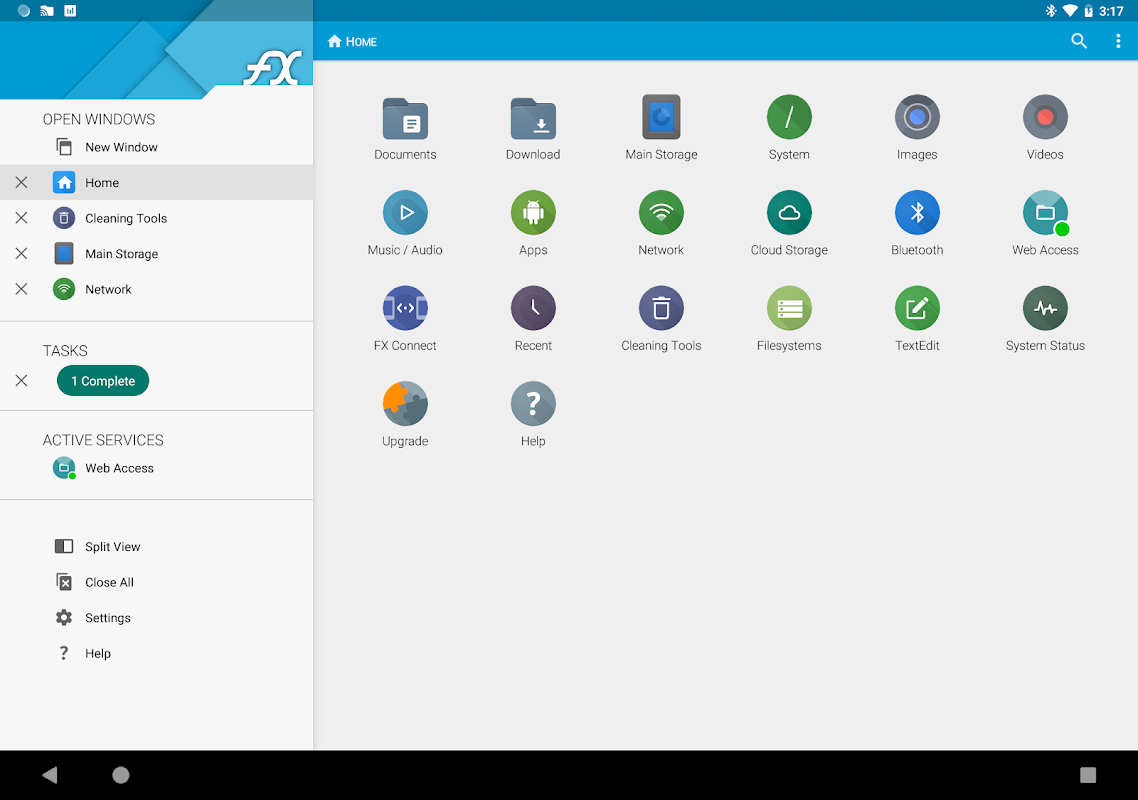
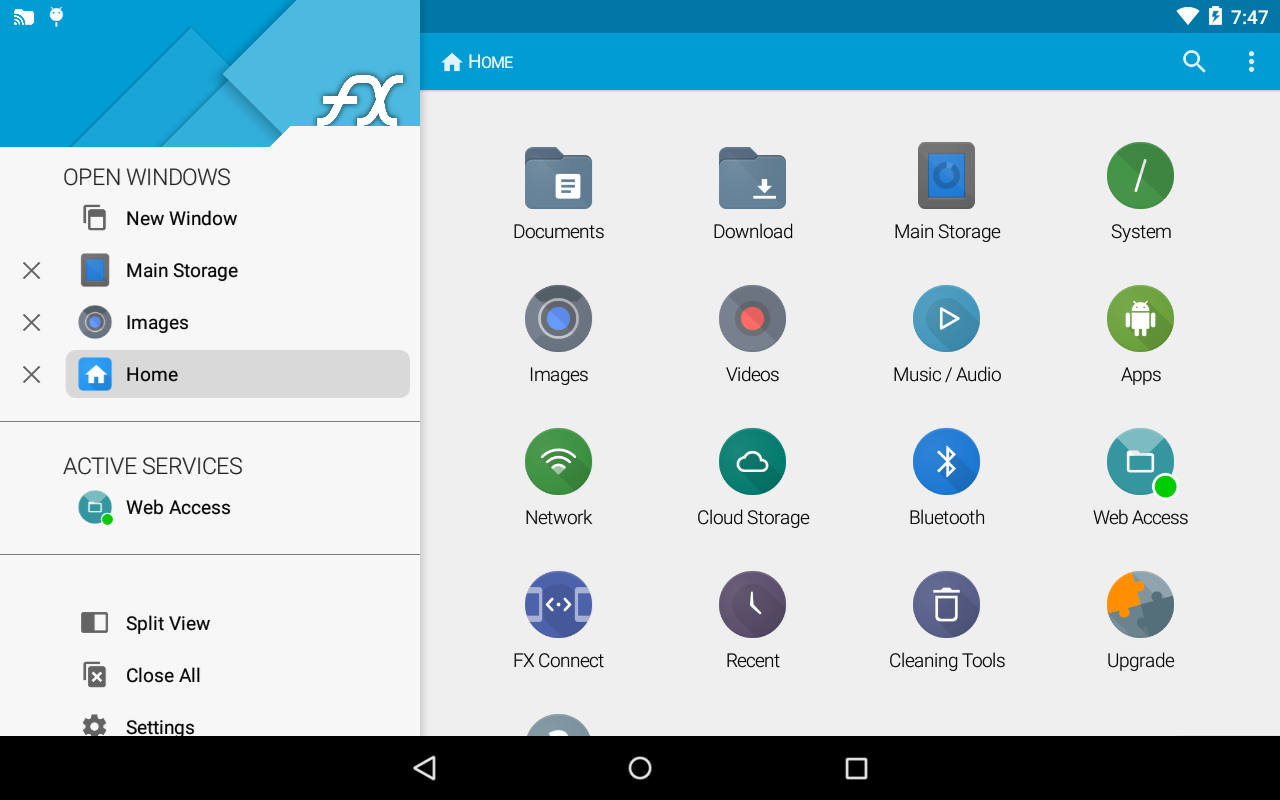
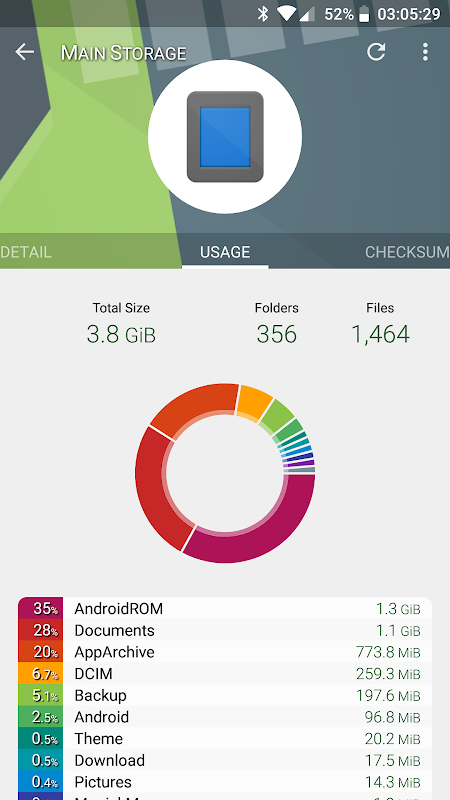
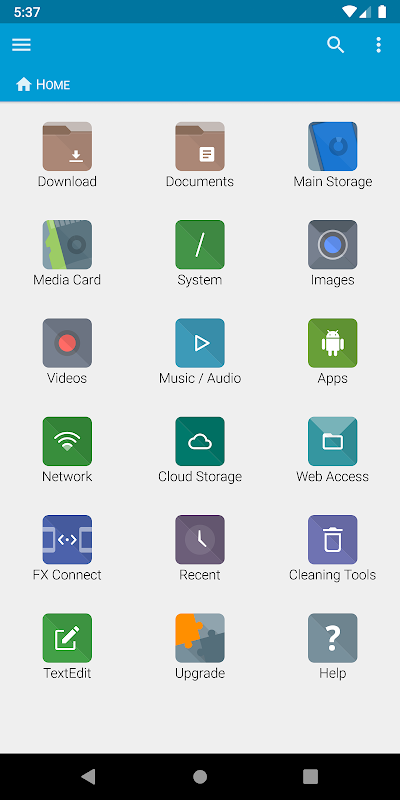
Users can tailor the interface to their workflow through extensive theme options, icon sets, and layout adjustments. The home screen can be configured with quick-access bookmarks, recent file history, and storage usage widgets. This level of customization ensures that both casual users and technical professionals can set up an environment that maximizes their productivity and comfort.
Frequently Asked Questions
FX File Explorer operates on a free trial model with full functionality, allowing users to evaluate all its features. After the trial period, a one-time license purchase is required to continue using the app without restrictions, providing a cost-effective alternative to subscription-based services.
Unlike some file managers that deeply integrate specific clouds, FX primarily connects to external storage like Google Drive or Dropbox via the standard Android Storage Access Framework. This method provides reliable access while maintaining the app’s focus as a powerful local and network manager rather than a cloud sync client.
Yes, this is one of its strengths. FX has excellent built-in support for accessing shared folders on home networks using the SMB protocol. You can easily connect to computers or NAS devices on your local Wi-Fi, browse shared directories, and transfer files directly as if they were stored locally on your Android device.